How to Keep Windows PC Secure After an Update
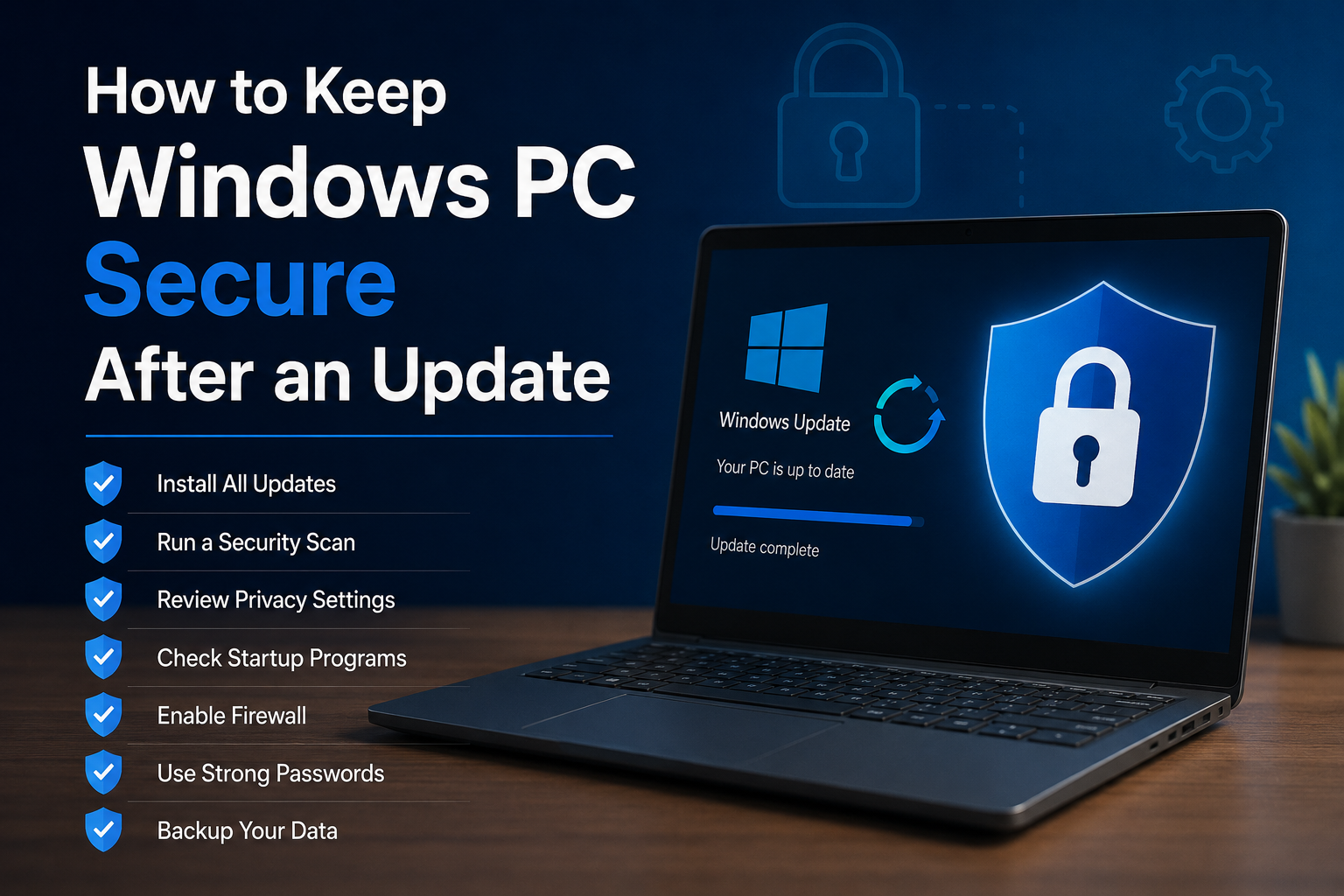
Keeping Windows updated is one of the easiest ways to improve the security of a computer. Updates can fix security problems, improve system stability, add new features, and solve bugs. However, I do not think security work should stop when the update finishes. After a Windows update, I like to …

Read More »

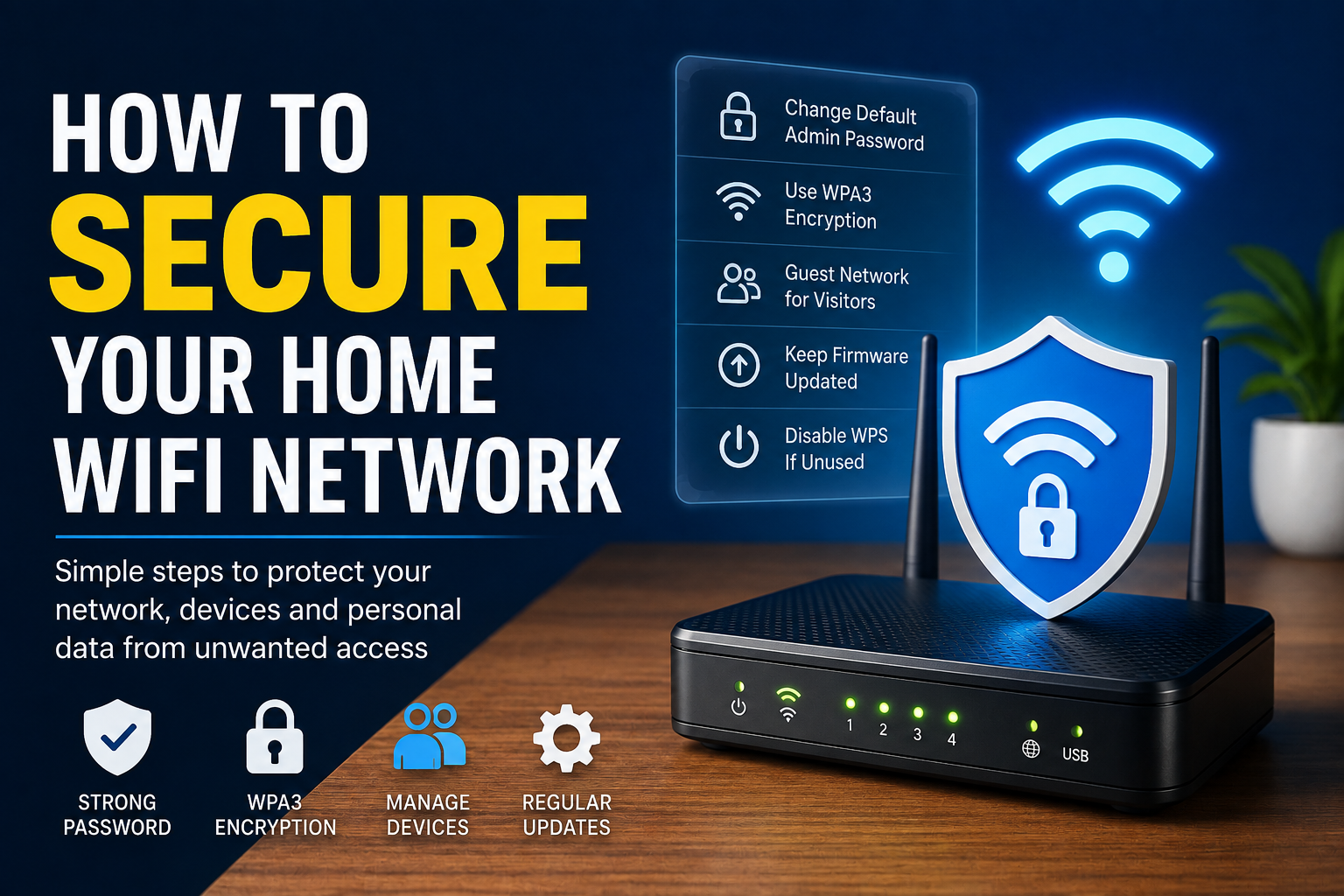
How to Secure Your Home WiFi Network: Complete Guide

A home WiFi network is something most of us use every day without thinking much about security. Our phones, laptops, smart TVs, cameras, printers, and other devices may all depend on the same wireless connection. Because so many devices are connected, I believe securing your home WiFi network should be …

Read More »

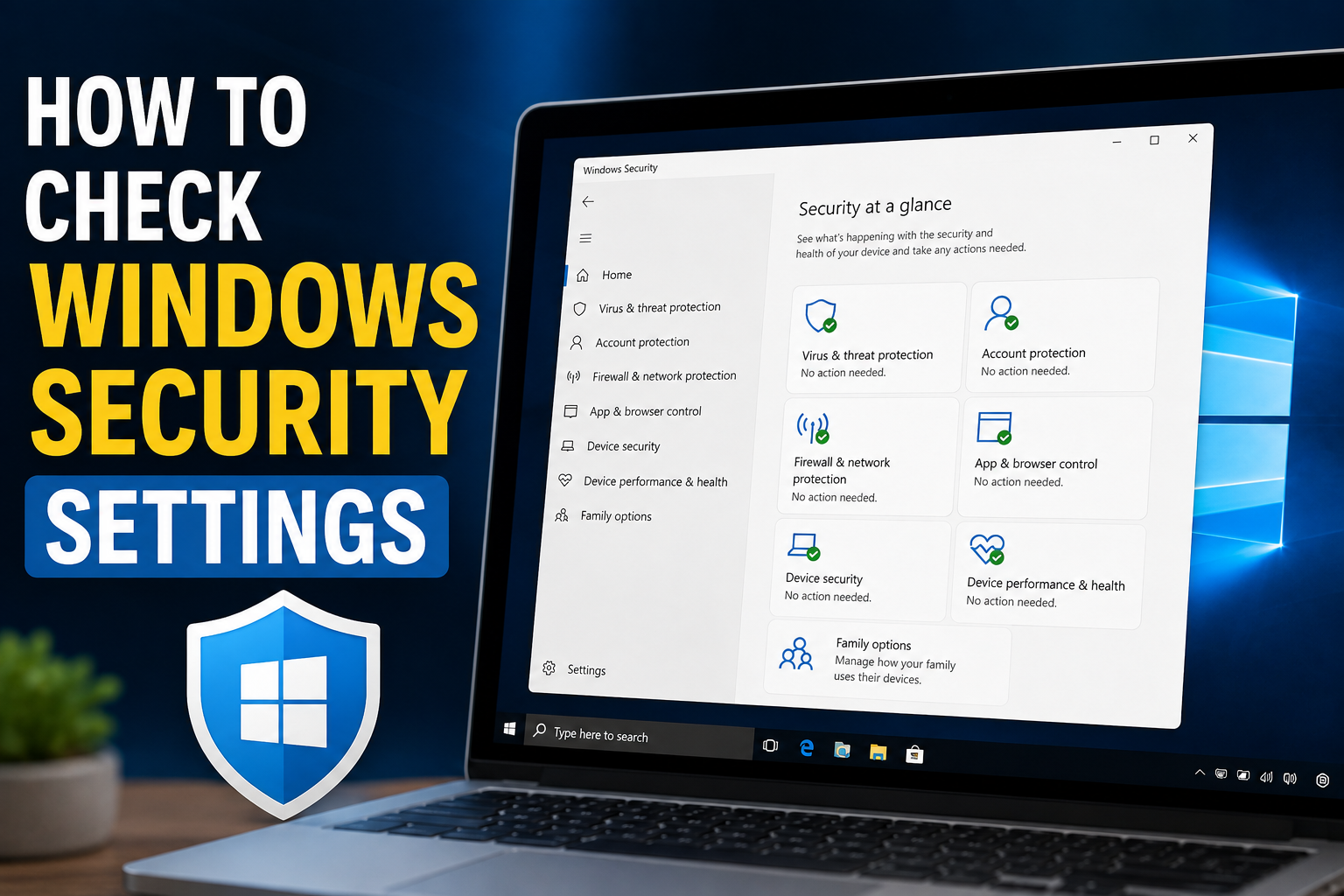
How to Check Windows Security Settings

Windows includes several built in security features that can help protect your computer from viruses, suspicious applications, unsafe websites, unauthorized access, and other common security problems. However, simply having Windows Security installed does not mean every setting is properly configured. I personally think checking Windows Security settings from time to …

Read More »

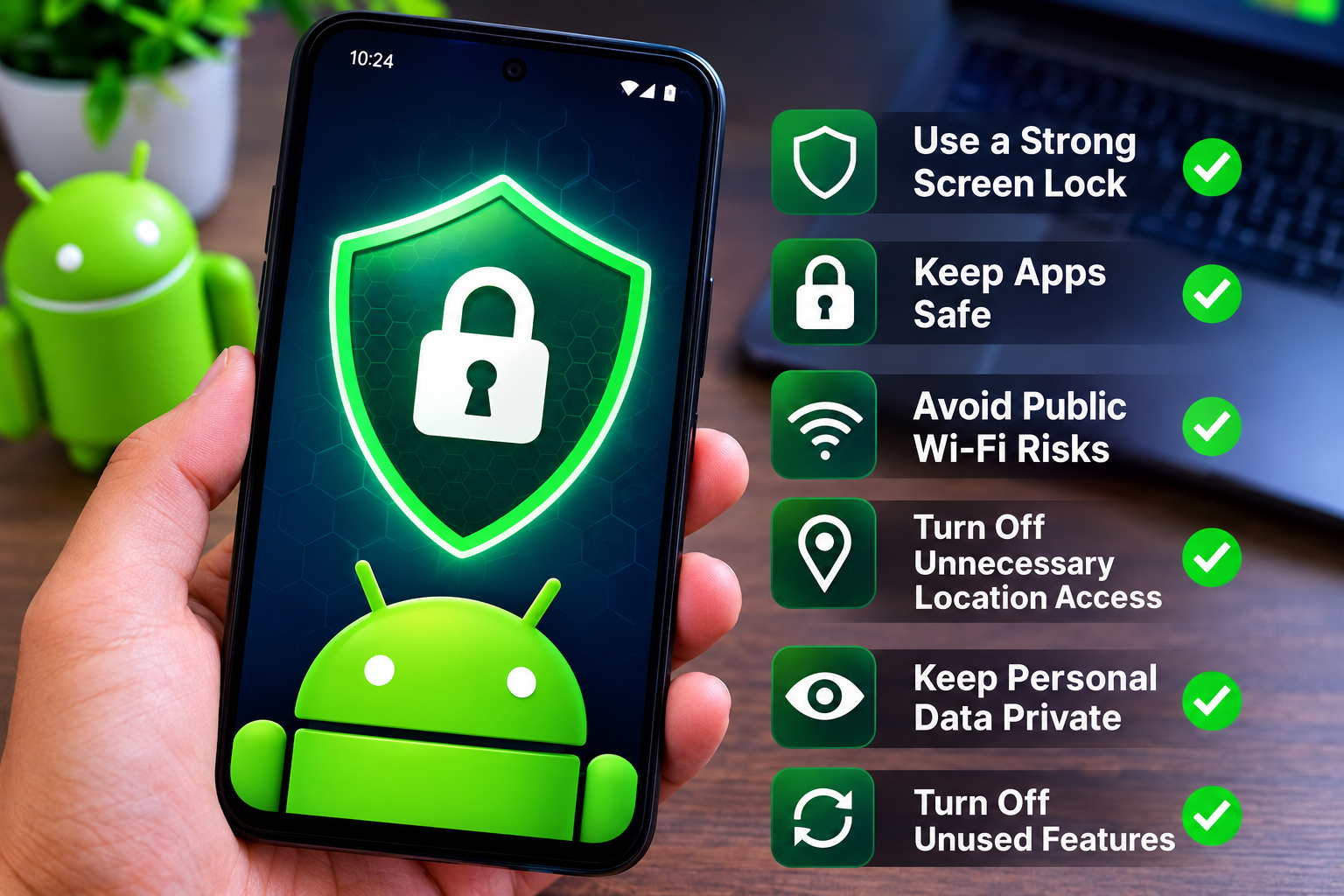
How to Protect Personal Information on Android

Our Android phones have become an important part of everyday life. We use them for banking, shopping, messaging, social media, photos, email, work, and many other personal activities. Because of this, our phones contain a huge amount of personal information. If we do not protect that information properly, it can …

Read More »

Windows Firewall Not Working: Step by Step Solutions

Windows Firewall is one of the most important security features included with Windows. It helps control network traffic and can prevent unwanted connections from reaching your computer. When Windows Firewall stops working, shows an error, or refuses to turn on, it can be frustrating because you may not know whether …

Read More »

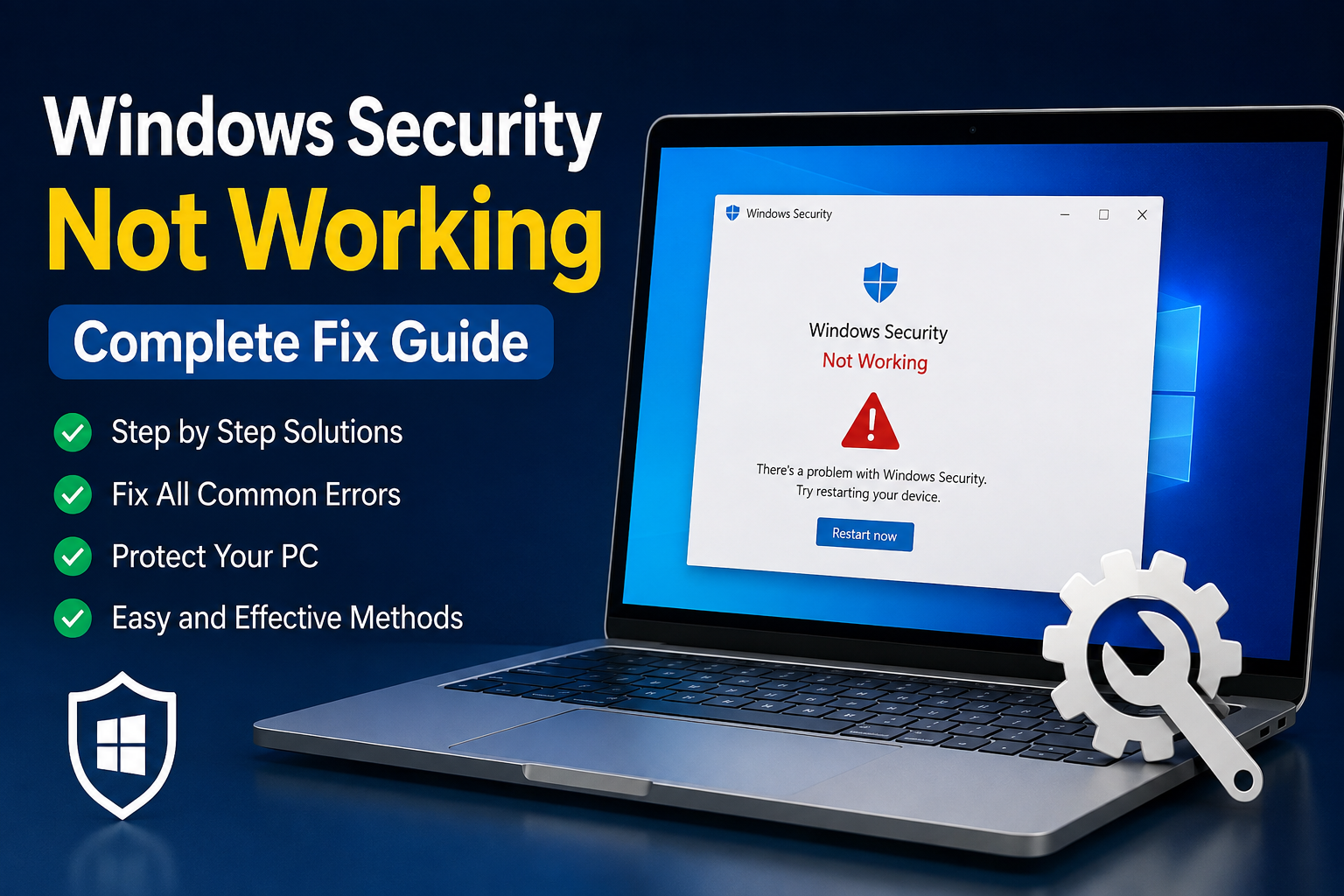
Windows Security Not Working: Complete Fix Guide

Windows Security is one of the most important built in security features on a Windows computer. It helps protect the system from viruses, malware, unwanted applications, and other security threats. When Windows Security stops working, does not open, shows a blank screen, or displays an error, it can be frustrating …

Read More »

How to Secure Your Google Photos Account: Complete Guide

Google Photos is one of the easiest ways to store, organize, and access personal photos and videos. I personally find cloud photo storage very useful because it keeps important memories available even when I change my phone or lose access to my device. However, because Google Photos is connected to …

Read More »

Common Online Scams and How to Avoid Them

The internet has made everyday life much easier. I can shop online, pay bills, communicate with people, manage accounts, and find information within minutes. However, with these benefits comes another problem that every internet user should take seriously: online scams. Online scams are becoming more convincing. Scammers no longer rely …

Read More »

How to Identify Suspicious Emails and Messages

I receive emails and messages almost every day, and most of them are completely normal. Some are from people I know, some are notifications from services I use, and others are promotional messages. However, I have also learned that not every message deserves my attention. Some emails and messages are …

Read More »

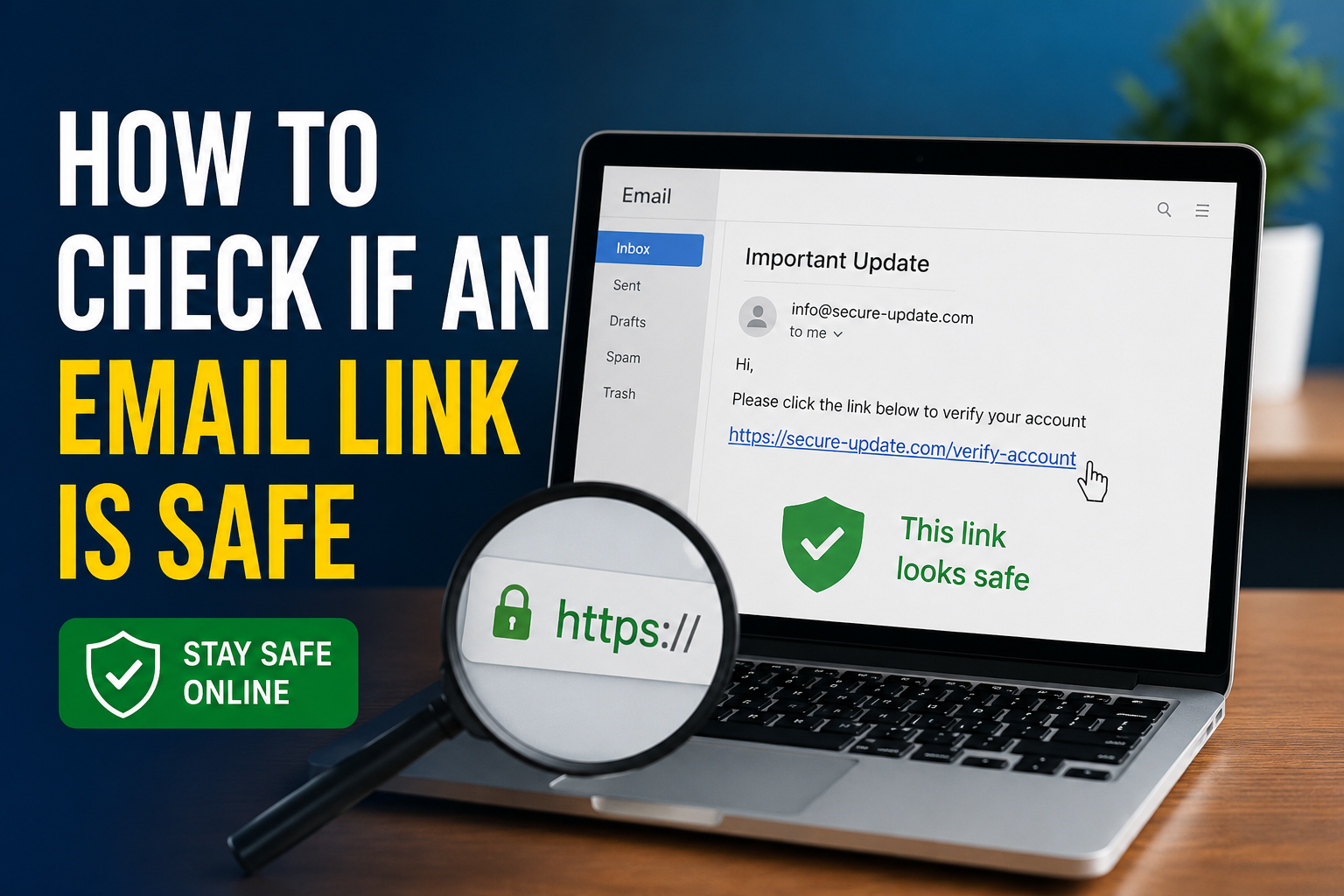
How to Check if an Email Link Is Safe

Email is one of the most useful ways to communicate, but it is also one of the easiest places for scammers to target people. Almost every day, we receive emails containing links. Some links may take us to a normal website, while others can lead to fake login pages, malware, …

Read More »