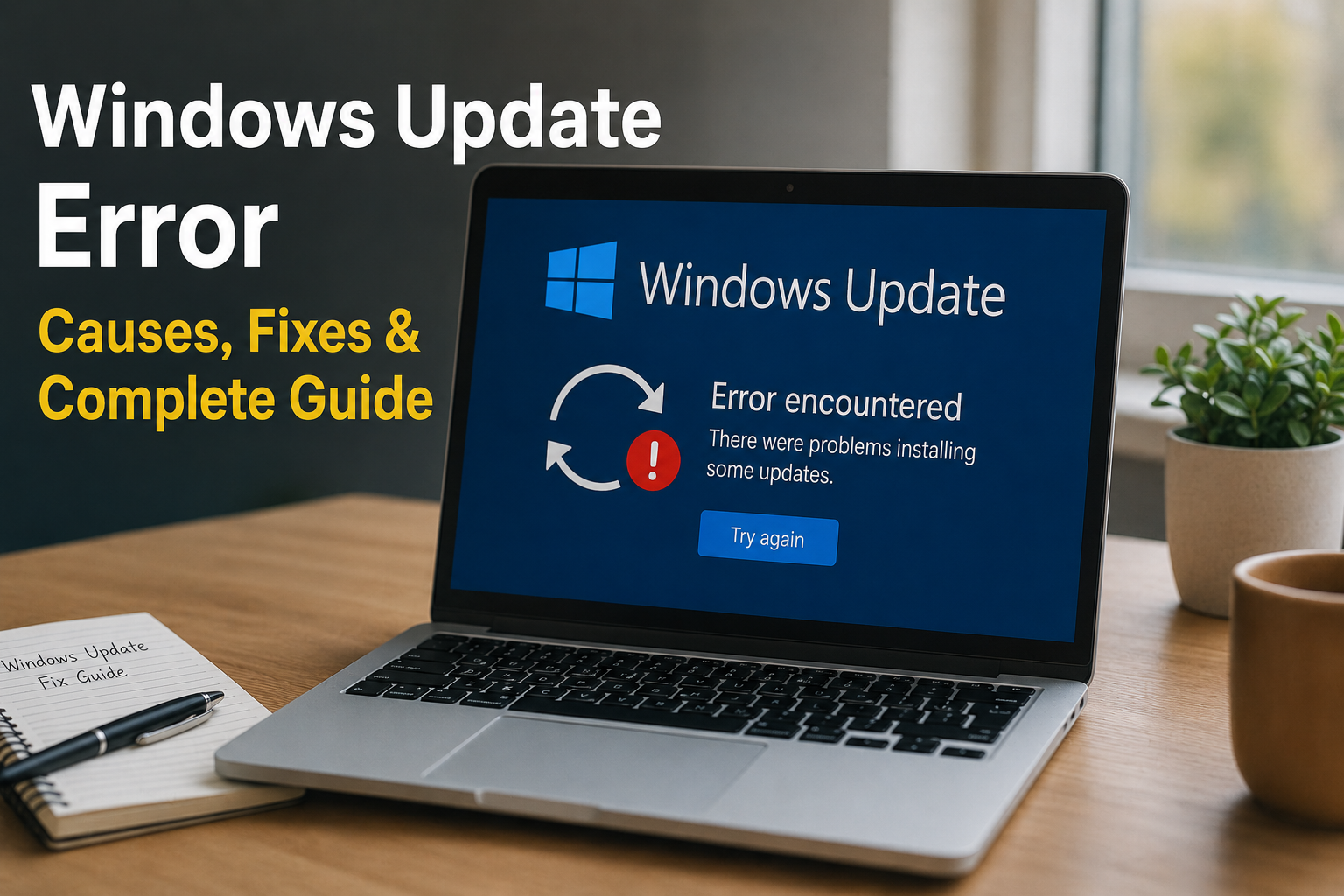
Windows updates are important because they bring security improvements, bug fixes, performance changes, and new features. However, one problem I have seen many Windows users face is a Windows Update error. Sometimes an update gets stuck while downloading, sometimes installation fails, and in other cases Windows keeps showing the same …
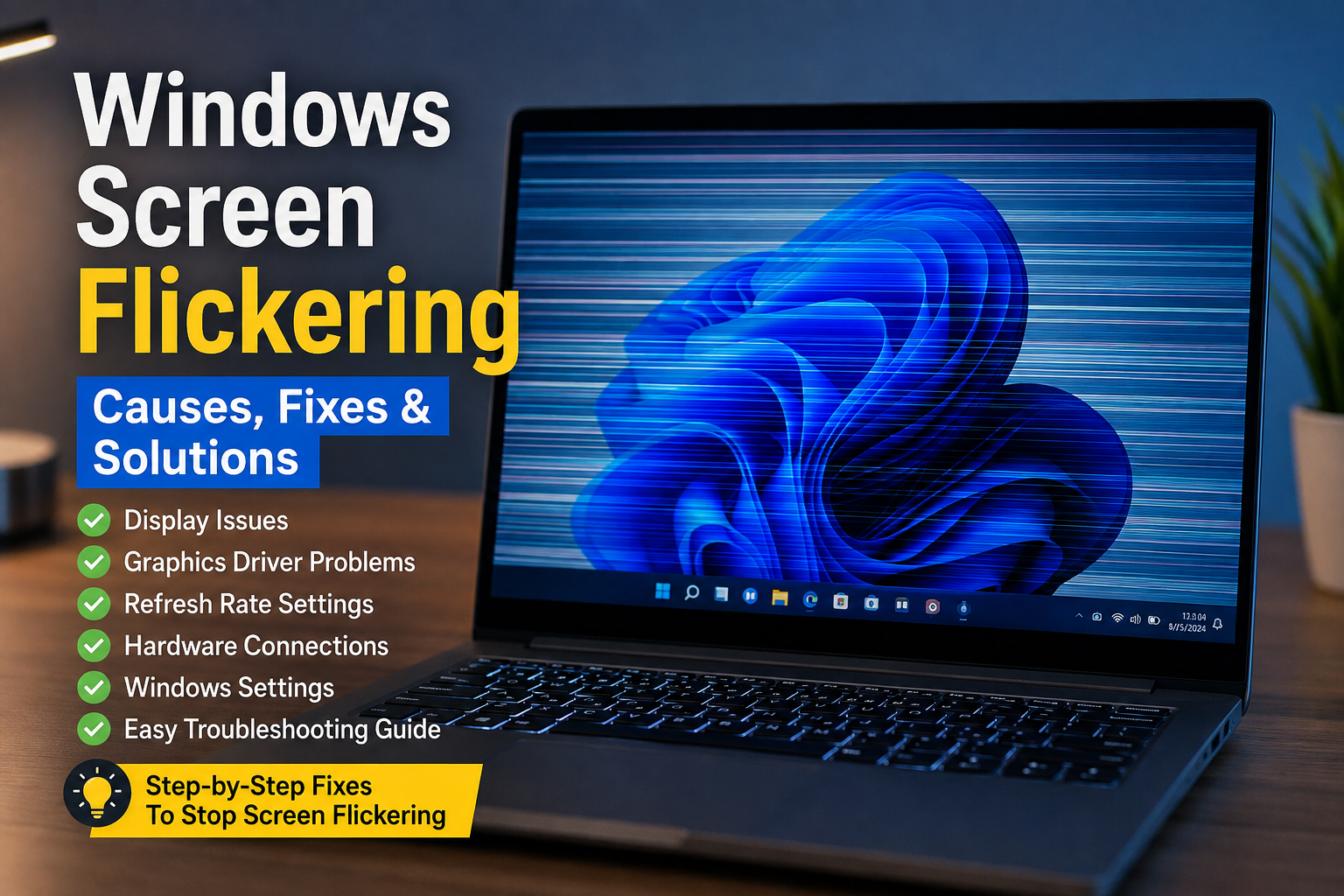
Read More »Windows Screen Flickering: Causes and Complete Fix Guide
Windows screen flickering can be one of the most frustrating problems to deal with, especially when you are trying to work, watch videos, browse the internet, or play games. The screen may blink continuously, flash for a few seconds, show horizontal lines, or suddenly go black and come back. Sometimes …
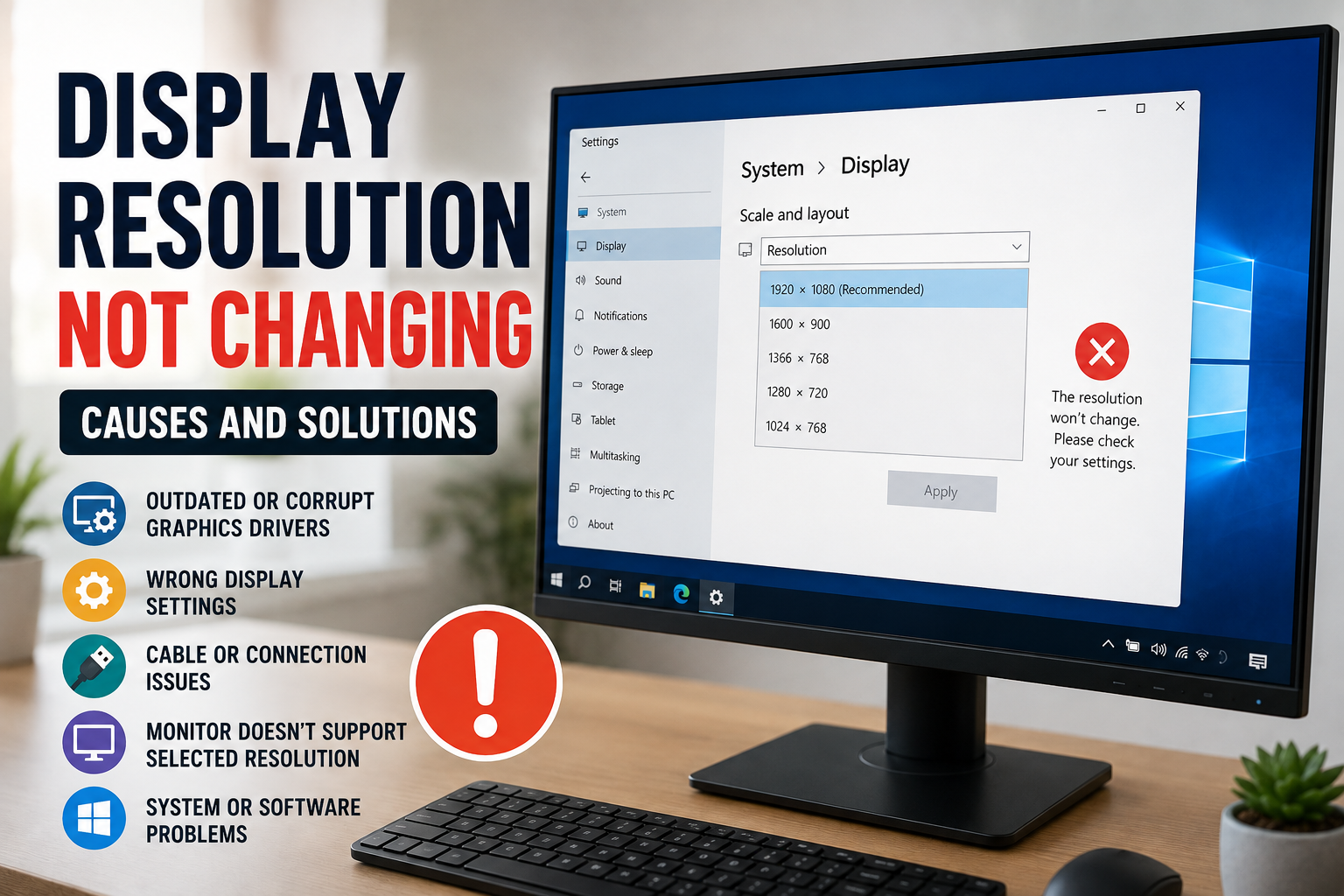
Read More »Display Resolution Not Changing: Common Causes and Solutions
Display resolution problems can be frustrating, especially when the resolution option is available but refuses to change. Sometimes the screen becomes blurry, the recommended resolution disappears, or Windows keeps switching back to the previous setting. I have found that these problems are usually connected to display drivers, monitor compatibility, connection …
Read More »Website & Browser Security: Complete Guide to Staying Safe Online
The internet has become an important part of everyday life. I use a browser for almost everything, from reading articles and checking emails to managing accounts, shopping online, downloading files, and working on websites. Because so much personal information passes through a browser, website and browser security should never be …
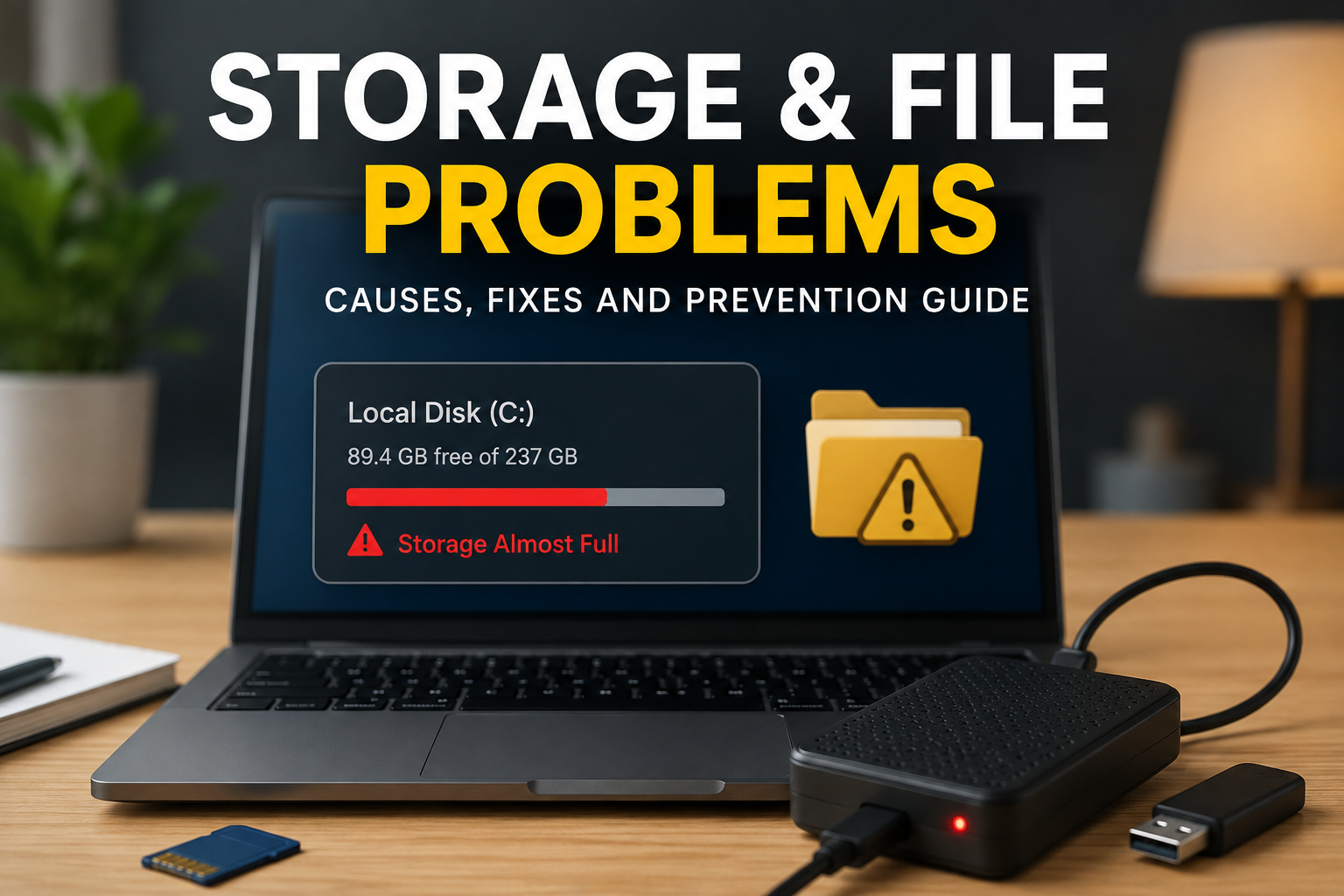
Read More »Storage & File Problems: Complete Guide to Fix Common Storage Issues
Storage and file problems are some of the most frustrating issues I have faced while using computers, laptops, Android phones, and other digital devices. Everything may seem normal at first, but suddenly a device starts showing low storage warnings, files refuse to open, folders disappear, or copying files becomes extremely …
Read More »Keyboard & Mouse Problems: Complete Troubleshooting and Fix Guide
Keyboard and mouse problems are some of the most frustrating issues I have experienced while using a computer. Everything can seem normal, but suddenly the keyboard stops responding, certain keys do not work, the mouse freezes, or the cursor moves strangely across the screen. These problems can make even simple …
Read More »Drivers & Hardware Problems: Complete Troubleshooting Guide
Drivers and hardware problems are some of the most common issues I have seen while using Windows computers. A system may suddenly become slow, a keyboard may stop responding, sound may disappear, or a graphics card may fail to work properly. Sometimes the actual hardware is perfectly fine and the …
Read More »Windows 11 High Memory Usage: Complete Fix Guide
High memory usage is one of the most common reasons a Windows 11 PC starts feeling slow. You may notice applications taking longer to open, websites becoming unresponsive, games losing performance, or the entire computer becoming sluggish. In some cases, Task Manager may show memory usage above 80 or 90 …
Read More »Windows 11 High CPU Usage: Step by Step Solutions
High CPU usage in Windows 11 is a problem I often see when a computer suddenly becomes slow, applications take longer to open, fans start running loudly, or the system feels hot even when nothing serious seems to be happening. Sometimes the CPU reaches 100 percent for a short time …
Read More »Second Monitor Not Detected in Windows 11: Complete Fix Guide
Using two monitors with Windows 11 can make work, gaming, studying, and multitasking much easier. I personally find a dual monitor setup much more comfortable because I can keep my main work on one screen while using the second screen for a browser, documents, videos, or other applications. However, it …
Read More »
frogld