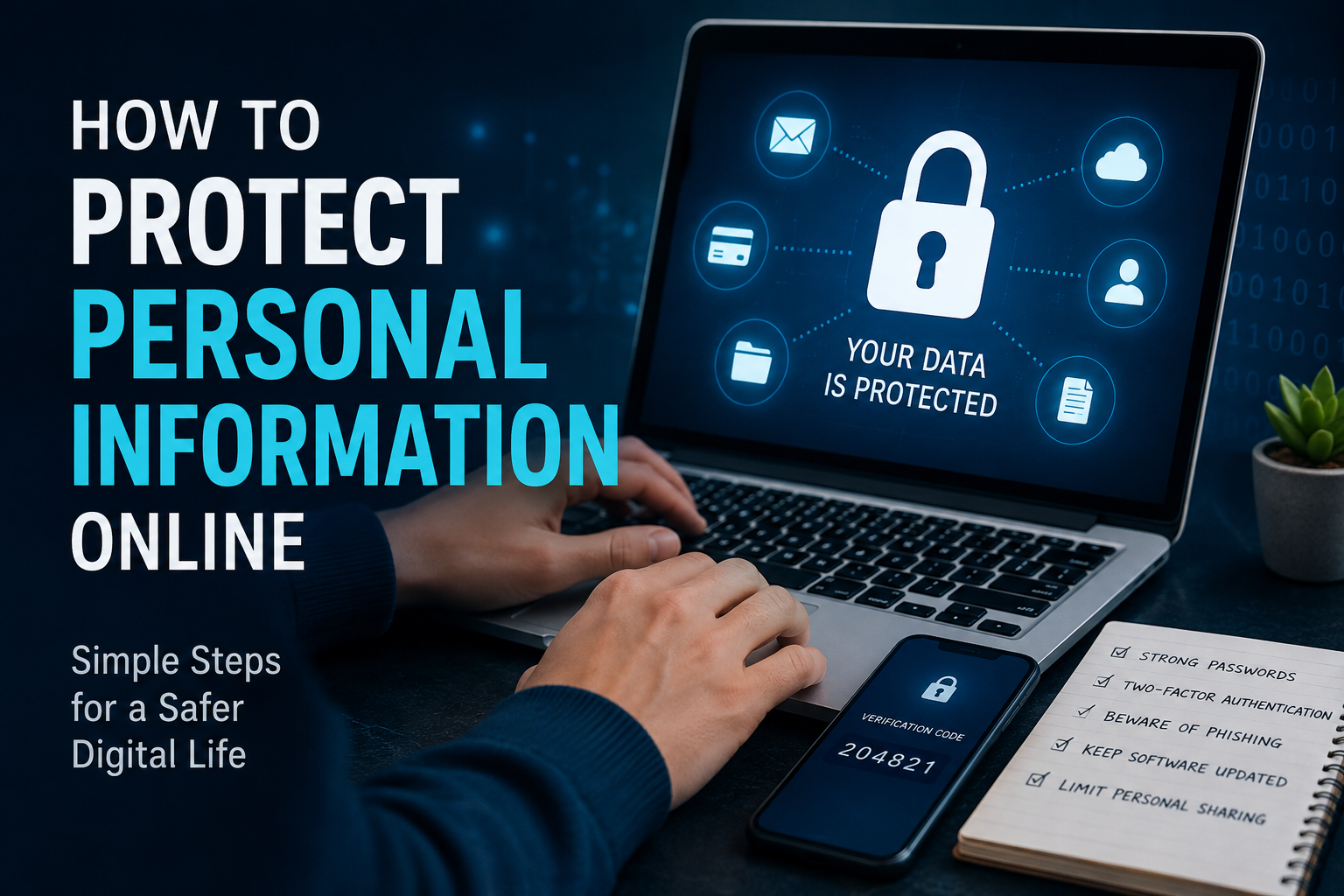
The internet has become an important part of everyday life. I use it for communication, shopping, banking, social media, work, entertainment, and many other activities. While the internet makes life easier, it also creates privacy risks. Every time we create an account, visit a website, download an app, or share something on social media, we may be giving away personal information.
In my opinion, protecting personal information online does not require advanced technical knowledge. Most online privacy problems can be reduced by following a few simple habits and paying attention to what we share. In this guide, I will explain how to protect personal information online and how simple security practices can help keep your digital life safer.
What Is Personal Information?
Personal information includes any information that can identify you or reveal details about your private life. Your full name, phone number, email address, home address, date of birth, photographs, financial information, passwords, and identification details can all be considered personal information.
There are also less obvious types of personal information. Your location, browsing habits, shopping history, online searches, contacts, and social media activity can reveal a lot about you.
I believe the first step toward online privacy is understanding the value of this information. Once we realize how much information we share every day, it becomes easier to make better decisions online.
Use Strong and Unique Passwords
One of the simplest ways to protect personal information online is to use strong passwords. Many people still use easy passwords based on names, birthdays, phone numbers, or common words. These passwords can be easier for attackers to guess.
I recommend using a different password for every important account. If the same password is used on several websites and one website experiences a security problem, attackers may try that password on other accounts.
A strong password should be long and difficult to guess. Password managers can also help create and store unique passwords so you do not have to remember every password yourself.
Turn On Two Factor Authentication
Strong passwords are important, but they are not always enough. Two factor authentication adds another layer of protection to your accounts.
When two factor authentication is enabled, logging in usually requires something more than your password. This could be a verification code, authentication application, security key, or another approved method.
In my view, two factor authentication should be enabled on important accounts whenever it is available, especially email, banking, cloud storage, and social media accounts. Even if someone discovers your password, the additional security step can make unauthorized access much harder.
Be Careful With Phishing Messages
Phishing is one of the most common ways criminals try to steal personal information. A phishing message may appear to come from a bank, company, delivery service, social media platform, or even someone you know.
The message may ask you to click a link, confirm your account, provide a password, or enter payment information. Some messages create a sense of urgency by claiming that your account will be closed or your payment will fail.
I never recommend clicking suspicious links simply because a message looks professional. Instead, open the official website or application yourself and check your account there. Look carefully at email addresses, website addresses, spelling, and unusual requests before providing any information.
Limit What You Share on Social Media
Social media is a great way to connect with people, but oversharing can create privacy problems. Many people post their location, workplace, family details, travel plans, birthdays, photographs, and other personal information without considering who can see it.
Before posting something, I think it is worth asking whether that information really needs to be public.
Avoid sharing sensitive information such as identification documents, financial details, passwords, private addresses, or personal security questions. Be especially careful when posting information about children and family members.
Review your social media privacy settings regularly and make sure you understand who can view your posts and profile information.
Check App Permissions
Mobile applications can request access to contacts, photos, location, microphones, cameras, and other device features. Some permissions may be necessary for an application to work correctly, while others may not be needed.
I recommend checking app permissions from time to time. If a simple application has access to information that it does not reasonably need, consider removing that permission.
Location access deserves particular attention. Many applications do not need continuous access to your location. When possible, choose a more limited permission option.
Keep Your Devices Updated
Software updates are not only about adding new features. They often include important security improvements that fix known vulnerabilities.
I recommend keeping your operating system, web browser, applications, and security software updated. Automatic updates can make this process easier because important security fixes can be installed without requiring constant manual checking.
An outdated device may contain security weaknesses that attackers can exploit. Regular updates are therefore an important part of protecting personal information online.
Use Secure Websites
When entering sensitive information online, pay attention to the website you are using. Look for a secure connection in your browser and make sure the website address is correct.
However, I would not rely only on the padlock symbol in the browser. A secure connection does not automatically mean that the website itself is trustworthy. Scammers can create convincing websites that use secure connections too.
Always check the website address carefully, especially when entering passwords, payment details, or other sensitive information. If you reached the website through an unexpected message, it is safer to open the official website directly.
Be Careful on Public WiFi
Public WiFi can be convenient in cafes, airports, hotels, libraries, and other locations. However, I try to avoid performing highly sensitive activities on networks that I do not trust.
When using public WiFi, avoid entering sensitive information on suspicious websites. Keep your device updated and make sure your account security features are enabled.
If you need to perform important banking or financial activities, using a trusted network or your own mobile connection may be a better choice.
Protect Your Email Account
Your email account deserves special attention because it may be connected to many other accounts. If someone gains access to your email, they may be able to reset passwords for other services.
For this reason, I recommend using a strong unique password and two factor authentication for your primary email account. Check account recovery options and review recent login activity when the service provides this feature.
Never share verification codes with someone who contacts you unexpectedly. A legitimate support representative should not need you to provide a private security code through an unsolicited message.
Avoid Saving Sensitive Information on Unknown Websites
Online shopping and other services often ask users to save payment or personal information for convenience. While trusted services may provide useful security features, I prefer not to save sensitive information on websites that I do not know well.
Before creating an account, consider whether the service really needs all the information it is requesting. If a website asks for unnecessary personal details, think carefully before providing them.
The less personal information you share, the less information there is to be exposed if an account or service is compromised.
Review Your Online Accounts Regularly
Over time, most people create many online accounts and eventually stop using some of them. Old accounts can still contain personal information.
I recommend reviewing your online accounts occasionally. Delete accounts that you no longer need when possible. Also review account settings, connected applications, active sessions, and recovery information.
This simple habit can reduce the amount of personal information stored across the internet.
Watch Out for Online Scams
Online scams are constantly changing. Some involve fake job offers, investment opportunities, shopping deals, technical support messages, giveaways, or relationship scams.
A common warning sign is a request for money or sensitive information combined with pressure to act immediately. If something sounds too good to be true or someone is trying to rush you into a decision, take a step back.
I believe taking a few minutes to verify information can prevent serious problems later.
Back Up Important Data
Protecting personal information is not only about preventing unauthorized access. It is also about making sure important information is not permanently lost.
Regular backups can protect important photographs, documents, work files, and other personal data if a device is damaged, lost, stolen, or affected by malware.
Keep important backups in a secure location and make sure they are protected with appropriate account security.
Think Before You Share
The most useful online privacy habit is simply thinking before sharing. Once information is posted online, copied, downloaded, or shared by another person, it can be difficult to completely remove.
Before sharing personal information, ask yourself why it is needed, who will receive it, and what could happen if someone else gained access to it.
This small pause can make a significant difference.
Final Thoughts
Learning how to protect personal information online is not something that should be treated as a one time task. Online threats change, applications introduce new features, and our digital habits continue to evolve.
From my point of view, good online privacy comes from simple and consistent habits. Using strong unique passwords, enabling two factor authentication, recognizing phishing attempts, limiting social media sharing, checking app permissions, keeping devices updated, and being careful with public networks can greatly improve personal security.
You do not need to be a cybersecurity expert to protect your information. The most important thing is to stay aware and think carefully before sharing sensitive details. By making online privacy part of your daily routine, you can enjoy the benefits of the internet while reducing unnecessary risks to your personal information.