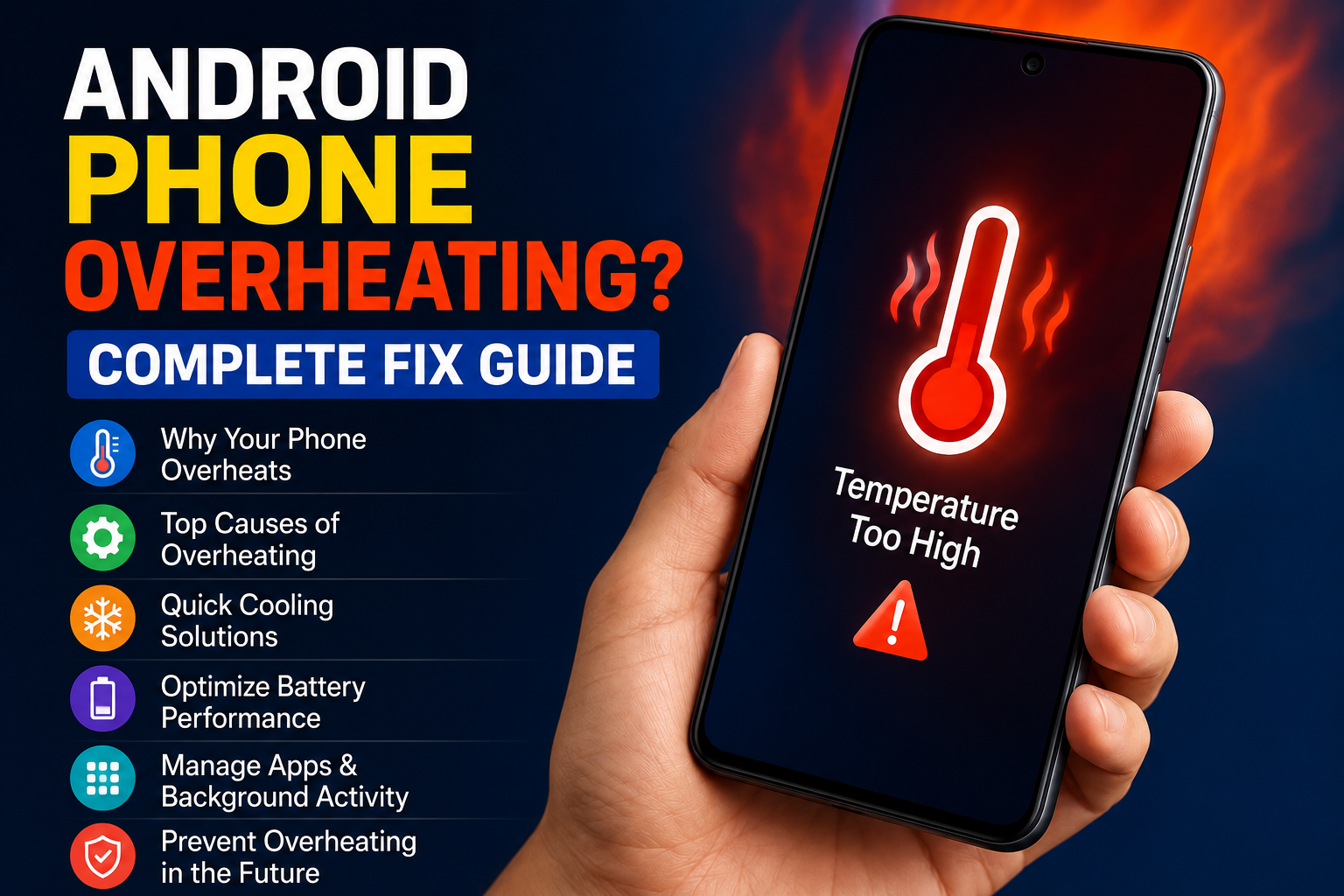
An Android phone getting warm during heavy use is usually normal, but when the phone becomes extremely hot, slows down, shows a temperature warning, or becomes uncomfortable to hold, it is worth finding the cause. I have seen this happen for many different reasons, including gaming, charging, direct sunlight, background applications, poor signal, and battery problems.
The good news is that Android phone overheating can often be reduced with a few simple changes. You do not always need professional repair or a new phone. In this guide, I will explain the most common causes of Android phone overheating and the practical solutions I would try first.
Why Is My Android Phone Overheating?
There is no single reason why an Android phone becomes hot. Modern smartphones contain powerful processors, batteries, cameras, wireless connections, and displays. All of these components produce some heat while working.
The problem starts when the phone produces more heat than it can comfortably release.
Heavy gaming is one of the most common causes. Games can use the processor and graphics system continuously, especially when playing at high graphics settings.
Video recording can also make the phone warm because the camera, processor, display, and storage are working together.
Charging is another situation where some heat is expected. However, if the phone becomes unusually hot while charging, it is important to check the charger, cable, charging environment, and battery condition.
Background applications can also keep the processor active without you realizing it.
1. Stop Using the Phone for a Few Minutes
If your Android phone is already very hot, the first thing I recommend is simple. Stop using it.
Close demanding applications and place the phone somewhere cool and dry. Remove it from direct sunlight and allow it to return to a normal temperature.
Do not put an extremely hot phone inside a refrigerator or freezer. Rapid temperature changes can create condensation and may damage internal components.
Give the phone enough time to cool naturally before starting demanding tasks again.
This is especially important if you were playing a game, recording a long video, using navigation, or running another demanding application.
2. Remove the Phone Case Temporarily
A protective phone case is useful for preventing physical damage, but some thick cases can reduce heat dissipation.
If your phone becomes hot during charging or heavy usage, remove the case temporarily and see whether the temperature improves.
This does not mean you need to use your phone without protection permanently. Instead, it can help you determine whether the case is trapping excessive heat.
I would pay particular attention to thick cases when charging because the phone may already generate some heat during the charging process.
3. Avoid Direct Sunlight
Direct sunlight can raise the temperature of an Android phone very quickly.
Using your phone outdoors on a hot day can be particularly challenging because the display may become brighter while the internal components are also working.
Try to keep the phone in a shaded location. Avoid leaving it on a car dashboard, near a window with strong sunlight, or on another hot surface.
If you are traveling during hot weather, keeping your phone away from direct sunlight can make a noticeable difference.
4. Check Which Apps Are Using Battery
One of the best ways to find the cause of Android phone overheating is to check battery usage.
Open your phone settings and look for the battery section. Most Android phones provide information about which applications have been using the most battery.
If an application you rarely use is consuming an unusually large amount of battery, it may be running too much in the background.
Consider updating the application first. If the problem continues, you can restrict its background activity or uninstall it if you do not need it.
If overheating started immediately after installing a particular application, that app deserves special attention.
5. Reduce Gaming Graphics
Gaming is one of the biggest sources of smartphone heat.
Modern Android phones can run demanding games, but higher graphics settings require more processing power. Higher frame rates can also increase the workload.
If your phone becomes very hot during gaming, reduce the graphics quality and frame rate. You may also want to take breaks between long gaming sessions.
I personally prefer slightly lower graphics settings if they keep the phone cooler and provide more consistent performance.
A phone that is constantly working at maximum performance can become hot much faster than a phone running at moderate settings.
6. Stop Unnecessary Background Activity
Many applications perform tasks in the background. Messaging, social media, cloud storage, navigation, and other services may continue working even when you are not actively using them.
You can review your application settings and restrict unnecessary background activity where appropriate.
Do not disable important Android system services randomly. Some background processes are necessary for notifications, security, synchronization, and other features.
The goal is not to stop everything. The goal is to identify applications that are using excessive resources without providing useful benefits.
7. Check Your Charger and Cable
If your Android phone becomes especially hot while charging, inspect your charging accessories.
Use a reliable charger and a suitable cable. Poor quality or damaged charging accessories can create charging problems and may contribute to excessive heat.
Also check the charging port for visible dirt or damage. Do not insert sharp objects into the port.
If the phone becomes extremely hot every time you charge it, stop using questionable charging accessories and consider having the device inspected.
Charging on a hard, open surface is generally better than covering the phone with blankets or placing it somewhere that traps heat.
8. Avoid Heavy Use While Charging
Using an Android phone heavily while it is charging can increase heat because the battery is receiving energy while the processor is also working.
Gaming, video recording, video calls, and demanding applications can create additional heat during charging.
If your phone already tends to become warm while charging, allow it to charge without demanding applications running.
This simple habit can reduce unnecessary heat and may also make charging more efficient.
9. Keep Android and Apps Updated
Software updates can fix bugs and improve system stability.
If an Android phone starts overheating after an application update, check whether another update is available. Developers sometimes release follow up updates when problems are discovered.
You should also keep your Android system updated through the official settings available on your phone.
I recommend avoiding unofficial software or modified applications simply to get extra features. Unknown software can create performance and security problems that are difficult to identify.
10. Restart Your Android Phone
A restart can sometimes solve overheating caused by a temporary software process.
If an application becomes stuck in the background, it may continue using processor resources. Restarting the phone gives the system an opportunity to start fresh.
If your phone has been running continuously for a long time and suddenly becomes hot for no obvious reason, a restart is a simple troubleshooting step worth trying.
After restarting, monitor the phone for a while. If it remains hot without heavy usage, continue investigating the cause.
11. Check Battery Condition
An aging battery can contribute to unusual heat and other performance problems.
If your phone is several years old and you notice fast battery drain, unexpected shutdowns, slow charging, or excessive heat, battery condition may be part of the problem.
Different Android manufacturers provide different battery health information. Check the battery settings on your device for available information.
If the battery appears damaged, swollen, or unusually hot, do not attempt to open the phone yourself. Professional inspection is the safer option.
12. Free Up Storage Space
Low storage can contribute to poor overall phone performance, and a struggling phone may feel warmer during certain tasks.
Check your storage settings and remove unnecessary videos, downloads, applications, and other files.
You do not need to keep every application installed. Removing apps that you no longer use can also reduce background activity.
Keeping your phone organized is one of the easiest forms of Android phone maintenance.
13. Turn Off Features You Do Not Need
Wireless features such as Bluetooth, GPS, mobile data, and hotspot can consume additional power depending on how they are being used.
You do not need to turn everything off permanently. Instead, disable features you are not using when appropriate.
For example, if you are not using a mobile hotspot, turning it off can prevent unnecessary network activity and battery consumption.
Poor cellular signal can also cause the phone to work harder to maintain a connection. If you are in an area with extremely weak reception, some battery drain and additional warmth may be expected.
When Should I Worry About Phone Overheating?
A phone becoming slightly warm during charging, gaming, navigation, or video recording is not automatically a serious problem.
However, you should take unusual overheating seriously if the phone becomes extremely hot during light use, repeatedly displays temperature warnings, shuts down unexpectedly, develops a swollen battery, or produces unusual smells.
In these situations, stop using the device and seek professional assistance.
Never puncture, bend, open, or attempt to repair a swollen battery yourself. Damaged batteries can be dangerous.
How to Prevent Android Phone Overheating
Prevention is easier than dealing with overheating repeatedly.
Keep your phone away from direct sunlight and extreme temperatures. Avoid demanding games for very long periods without breaks. Use reliable charging accessories and avoid covering the phone while charging.
Keep unnecessary applications under control and install software updates from trusted sources.
It is also useful to pay attention to patterns. If your phone becomes hot every time you use one particular application, that application may be responsible. If overheating happens mainly during charging, investigate the charger, cable, charging environment, and battery.
Understanding when the overheating happens can make troubleshooting much easier.
Final Thoughts
Android phone overheating can be frustrating, but in many situations the cause is easier to identify than it first appears. Heavy gaming, direct sunlight, charging, background applications, poor network signal, software problems, and an aging battery can all contribute to excessive heat.
I would always start with the simplest solutions. Stop demanding tasks, let the phone cool naturally, remove a thick case temporarily, move away from direct sunlight, check battery usage, and restart the device.
If the problem happens repeatedly, investigate your applications, charging accessories, software, storage, and battery condition.
Most importantly, do not ignore severe overheating. A phone that becomes dangerously hot or shows signs of battery damage should be professionally inspected.
With sensible usage and regular maintenance, you can often keep your Android phone cooler, more reliable, and comfortable to use for a much longer time.